AI Chatbots for Ecommerce: Answering Product, Shipping, and Sizing Questions Automatically
Updated July 30, 2026 · 7 min read
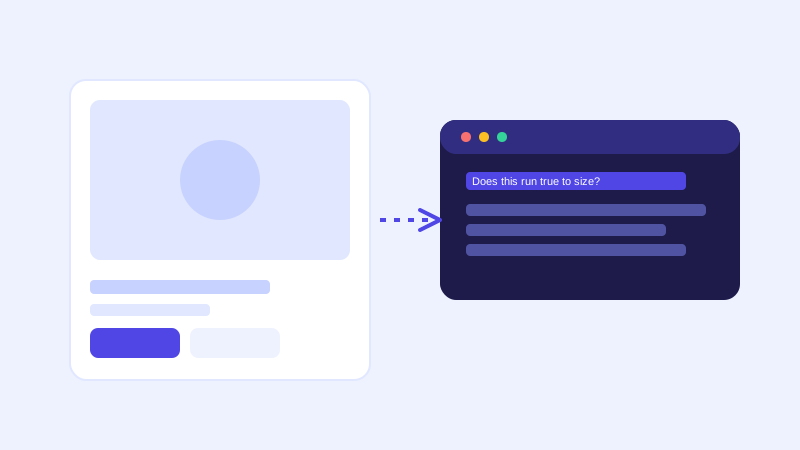
Most of the questions that stall an online purchase are questions the store already answered somewhere, just not anywhere the shopper found it in time. Does this run small? How long does shipping actually take? Is it back in stock? A support inbox eventually catches these, usually after the shopper has already left the site to think about it, which in ecommerce often means they don't come back.
The pre-purchase questions that actually matter
A handful of question types make up the vast majority of pre-checkout chat volume for most online stores: sizing and fit, shipping cost and delivery windows, return and exchange terms, material or ingredient details, and whether a specific variant is currently in stock. None of these are exotic. They're also, almost without exception, already written down somewhere: a size chart, a shipping page, a return policy, a product description. The problem was never that the information didn't exist. It's that a shopper mid-checkout wasn't going to hunt across four different pages to find it.
Why a crawl-based chatbot fits a product catalog particularly well
A store with even a modest catalog can have hundreds of product pages, each with its own sizing quirks, materials, and shipping notes. Training a chatbot manually for that catalog, writing sample questions and answers for every product, doesn't scale, and it goes stale the moment a product is updated or a new one is added. A chatbot that crawls the store directly sidesteps this entirely: it reads the actual product pages, including descriptions, specs, and any size or shipping tables, and answers from that content the same way it would for any other page. Add a new product or update a description, and the next crawl picks it up automatically, with no separate training step for that item.
The part a one-time crawl gets wrong: stock and pricing
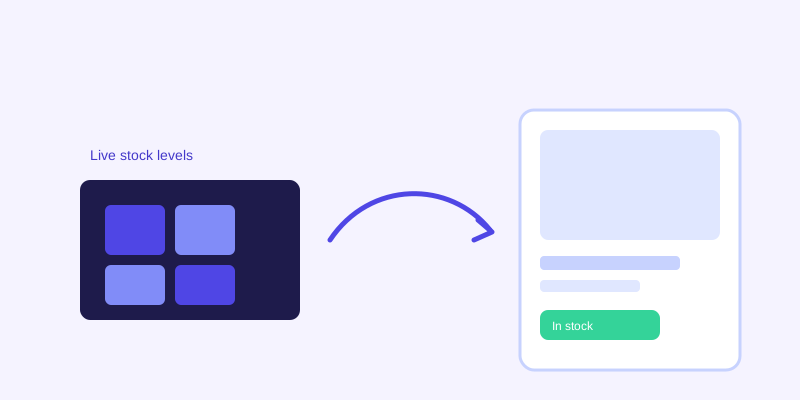
Ecommerce content changes faster than almost any other kind of website content. Stock levels shift daily, prices move for sales, and shipping estimates change around holidays. A chatbot working from a stale snapshot will confidently tell a shopper an item is available when it sold out that morning, which is arguably worse than not answering at all. This is where a live re-check matters more for ecommerce than almost any other use case: when a stored answer about stock or price scores low confidence, or the question is about something inherently time-sensitive, the bot re-fetching the actual product page before answering catches exactly this kind of drift. The fresh answer then gets folded back into the knowledge base, so the next shopper asking about that same product gets the current answer without another live check.
Where these bots typically fall short
A crawler reads text, and a lot of ecommerce sizing information doesn't live in text. Size charts are frequently a rendered image or an embedded table pulled from a separate app, which a crawler can't reliably parse. The practical fix is the same one that applies to any crawl-based chatbot: if a fact matters enough for a shopper to ask about it, it needs to exist as plain text somewhere on the page, not only as a graphic. The same applies to shipping and returns: a store with a single canonical shipping and returns page that every product page can be checked against tends to get much more consistent answers than one where shipping notes are copy-pasted, and occasionally out of sync, across dozens of individual product descriptions.
Setting a catalog up for a chatbot before launch
A few checks before connecting a chatbot to a store save most of the cleanup later. Confirm size charts exist as readable text or an HTML table on the page itself, not only as an image. Consolidate shipping, returns, and exchange policy onto one current page rather than repeating slightly different versions across product descriptions. Make sure stock status is reflected clearly on the page itself, since a chatbot can only report what's actually shown there. And check that bundle or multi-variant products describe each option's specifics rather than only a generic overview, since a shopper asking about one specific size or color needs an answer for that variant, not the product family in general.
Measuring whether it's actually working
The clearest signal isn't chat volume by itself, it's what shows up in the log of questions the bot couldn't confidently answer. For an ecommerce catalog, that list tends to surface real gaps fast: a size chart that's an unreadable image, a shipping page that never mentions international rates, a bundle product with no per-item breakdown. Treat that list as a running fix queue rather than something to check once. A store's catalog changes constantly, and the questions shoppers ask change with it, so the log stays useful well past the initial setup.
The bar to clear
None of this requires building anything new. It requires making sure the same information already on your product pages is written in a form a chatbot can actually read, then letting the crawl do the rest. For most stores, the highest-leverage fix isn't more content, it's fixing the handful of pages, sizing, shipping, stock, that shoppers ask about most and currently only exist as an image, a PDF, or three slightly different versions scattered across the site.
Frequently asked questions
Can an AI chatbot tell customers if an item is back in stock?
Yes, as long as stock status is shown as text on the product page itself. A chatbot with a live re-check goes further: if its stored knowledge about an item's availability looks stale or low-confidence, it re-fetches the actual product page before answering, which matters for stock and pricing since both change faster than most other site content.
Does a chatbot need to be trained separately for every product in my store?
No, not with a crawl-based chatbot. It reads your product pages directly, the same way it reads any other page, so a catalog with hundreds of items doesn't require hundreds of manual training entries. Adding or updating a product and re-crawling is enough for the bot to pick up the change.
How does a chatbot handle sizing and fit questions?
It answers from whatever sizing information is written as readable text on the product page. If a size chart only exists as an image, the bot can't reliably read it, so the fix is making sure sizing details are also available as plain text or an HTML table, not just a graphic.
What ecommerce content should I check before turning on a chatbot?
Prioritize size charts as text rather than images, a single consolidated shipping and returns page instead of several slightly different versions, visible stock status on product pages, and clear per-variant details for bundle or multi-option products.
More articles
 Guides
How to Add an AI Chatbot to Your Website Without Code (2026 Guide)
A step-by-step walkthrough for adding a real AI chatbot to your website in minutes, no flow builder and no code required, plus exact install steps for WordPress, Shopify, Wix, and Squarespace.
Read article → Product & AI
Why Your Website Chatbot Keeps Saying "I'm Not Sure" (And How to Fix It)
Most AI chatbots answer from a snapshot of your site taken whenever they were last trained. Here's why that causes constant "I'm not sure" replies, and what a chatbot that checks live instead actually looks like.
Read article →