How AI Chatbots Capture and Qualify Leads Without a Contact Form
Updated August 10, 2026 · 7 min read
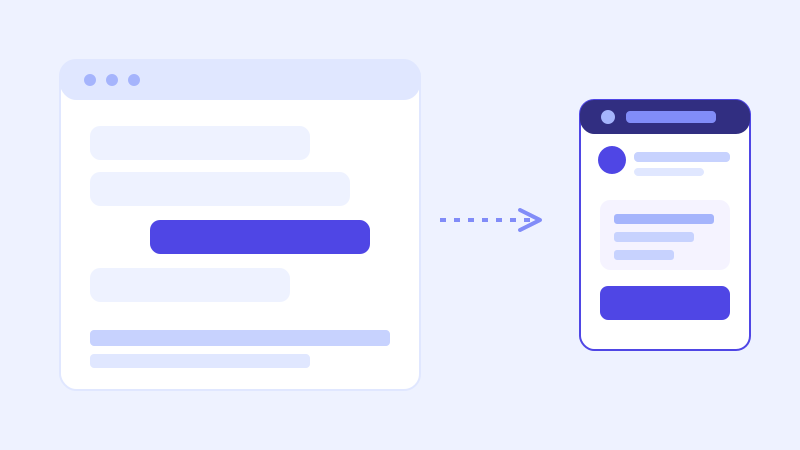
Most website contact forms ask for a name, an email, and a message before giving anything back. That's a reasonable trade in theory, information for information, but in practice it asks a visitor to commit effort before they know whether the business can even help them. A chatbot flips that order. A visitor gets a real answer first, and the information a business actually needs to follow up only gets collected once the visitor is already engaged, not as a toll gate before the conversation starts.
Why a chat conversation converts better than a form
A contact form is a single, static ask, all fields at once, no context for why any of them matter. A chatbot conversation is sequential: it answers the visitor's actual question first, and only asks for contact details once there's a clear, specific reason to, like scheduling a call or sending a quote. That sequencing matters more than it sounds like it should. A visitor who just got a useful answer about pricing or service area is in a completely different frame of mind than one staring at four empty fields with no idea if the business is even a fit yet.
What "qualifying" a lead actually means for a chatbot
Qualifying doesn't mean interrogating a visitor with a checklist before they can talk to a human. It means the chatbot asks a small number of clarifying questions, grounded in what the business actually needs to know to follow up well, at the point in the conversation where those questions are relevant. A landscaping company's bot might ask for a rough property size and a zip code once a visitor asks about a quote. A SaaS bot might ask how many seats a visitor needs once they're asking about the Team plan. The questions come from what's already on the site, pricing tiers, service areas, common intake fields, not from a generic sales script bolted onto every conversation regardless of what was actually asked.
How a crawl-based chatbot knows what to ask
This is where a chatbot built from a website crawl has a real advantage over one trained from a blank slate. It already knows the shape of the business from reading the pricing page, the services page, and the contact or intake form structure, so the questions it asks a visitor mid-conversation can mirror the fields the business already collects elsewhere, rather than a generic "tell us about your project" prompt. If the site's quote request form asks for square footage and a target start date, the chatbot asking the same two things in conversation isn't inventing new intake criteria, it's collecting the same information in a format the visitor is more likely to actually finish.
Where live-fallback matters for lead capture specifically
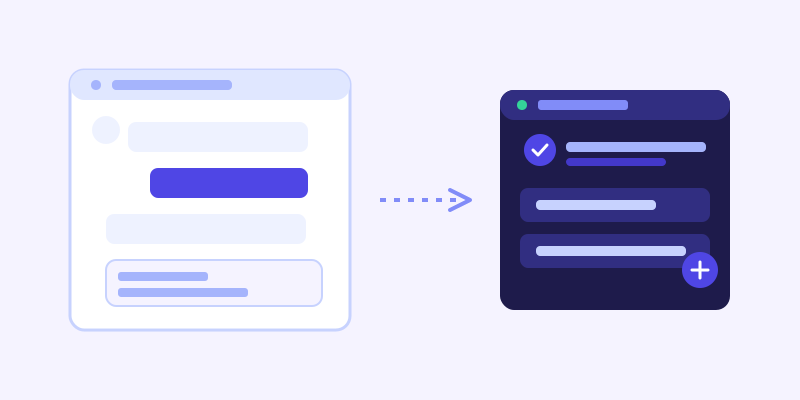
A visitor deciding whether to hand over contact details is often asking something time-sensitive right before they do: is this in stock, can you take a job this week, is there a slot open Thursday. If the chatbot's stored knowledge is stale and it answers confidently wrong, a lead gets captured on the back of a promise the business can't actually keep, which is worse for both sides than no lead at all. A bot that recognizes low confidence on a specific, checkable question and re-fetches the live page before answering keeps the lead's expectations lined up with reality from the first conversation, not just from the eventual follow-up call.
Setting your site up so the chatbot captures the right leads
A few things make the difference between a chatbot that collects useful leads and one that collects vague ones. Write out what a good lead actually looks like for the business, a budget range, a timeline, a specific service, so the bot has real criteria to ask toward rather than defaulting to name and email alone. Make sure pricing tiers, service categories, or product lines are described specifically enough that the bot can ask a visitor which one applies to them, rather than asking an open-ended question with no structure. And keep whatever intake fields the sales or support team already relies on visible on the site itself, since that's the same list the bot should be echoing in conversation.
What to check once it's live
The captured-lead log is worth reviewing the same way the unanswered-question log is: not once, but as an ongoing signal. Look for conversations that stalled right before the ask, since that's usually a sign the bot asked for contact details too early, before answering the visitor's actual question first. Look for leads missing a field the sales team needs, which usually means that question needs to move earlier in the flow or be phrased more specifically. And compare lead quality against the old contact form, if one is still in use, since a meaningful drop in vague or incomplete submissions is the clearest sign the conversational approach is actually working.
The actual payoff
The value isn't a chatbot that talks a visitor into leaving their email. It's one that answers the question a visitor actually came with, and only asks for contact information once there's a real, specific reason to follow up, in the same language and structure the business already uses to qualify a lead anywhere else. That ordering, answer first, ask second, is a large part of why chat tends to outperform a static form: it respects the visitor's time before it asks for theirs.
Frequently asked questions
How does an AI chatbot decide what questions to ask a visitor?
A crawl-based chatbot draws on the pricing tiers, service categories, and intake fields already described on the business's own site, so its follow-up questions mirror what the business already asks elsewhere, rather than a generic script. It also waits until there's a clear reason to ask, usually right after answering the visitor's actual question, instead of asking upfront.
Does a chatbot replace a contact form entirely?
It can serve the same purpose, but it doesn't have to fully replace one. Many businesses keep a form for visitors who prefer it while letting the chatbot capture leads conversationally for visitors who'd rather ask a question first. What matters is that the chatbot doesn't ask for contact details before it's given the visitor something useful.
Why do chatbot-captured leads tend to be more complete than form submissions?
Because the questions come one at a time in context, a visitor is more likely to finish answering two or three specific questions asked conversationally than to fill out every field on a static form upfront, especially before they know whether the business is a good fit for what they need.
What happens if a chatbot asks for contact details too early in a conversation?
Conversations tend to stall right before the ask, similar to a form abandoned partway through. Reviewing the captured-lead log for conversations that stopped at that point is the clearest way to catch this, and the fix is usually moving the ask later, after the bot has answered the visitor's actual question.
More articles
 Guides
How to Add an AI Chatbot to Your Website Without Code (2026 Guide)
A step-by-step walkthrough for adding a real AI chatbot to your website in minutes, no flow builder and no code required, plus exact install steps for WordPress, Shopify, Wix, and Squarespace.
Read article → Product & AI
Why Your Website Chatbot Keeps Saying "I'm Not Sure" (And How to Fix It)
Most AI chatbots answer from a snapshot of your site taken whenever they were last trained. Here's why that causes constant "I'm not sure" replies, and what a chatbot that checks live instead actually looks like.
Read article →