Should You Put an AI Chatbot on Your Paid Ad Landing Pages?
Updated November 12, 2026 · 7 min read
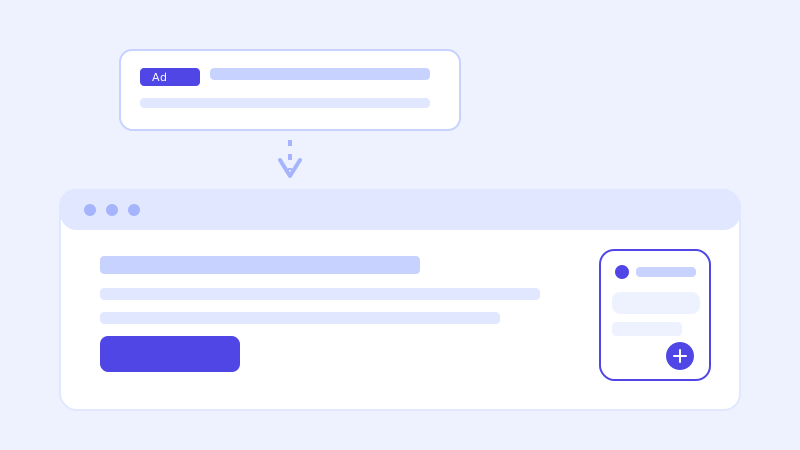
A visitor who clicked a search or social ad is a different kind of visitor from someone who found your site organically. They arrived with a specific expectation set by the ad itself, they're often comparing you against two or three tabs open at the same time, and every second they spend confused costs you money you already spent to get them there. That changes the calculation for whether a chatbot earns its place on the page.
Why paid traffic behaves differently
An organic visitor who lands on your homepage is usually willing to poke around, click into a few pages, and form an impression over a couple of minutes. A paid visitor clicked a specific headline promising a specific thing, and if the landing page doesn't immediately confirm that promise, they bounce, and that bounce is a sunk cost rather than a free visit. A chatbot that can instantly answer "does this include X" or "is this the same price as the ad said" keeps that visitor on the page a few extra seconds at exactly the moment they're deciding whether to trust what they clicked.
The case for adding one
The strongest argument is speed of reassurance. Paid landing pages are usually narrower than a full website, built around one offer, which means a chatbot crawling that page (and the handful of pages it links to, like pricing or FAQ) has a tightly scoped, highly relevant knowledge base to answer from. A visitor asking a clarifying question gets an immediate answer instead of hunting for it themselves or leaving to search elsewhere, and if the question reveals real buying intent (budget, timeline, which plan), that's a qualified lead worth capturing right there instead of losing to a bounce.
The case for leaving it off
A chatbot isn't free of friction either. On a page designed around a single, focused call to action, like a signup form or a demo booking, a chat widget is another thing competing for attention, and a cluttered or slow-loading page undoes some of the benefit before a visitor even opens the widget. If your landing page's main job is a short, high-converting form and most visitor questions are already answered inline, adding a chatbot may just be decoration rather than a genuine improvement to conversion.
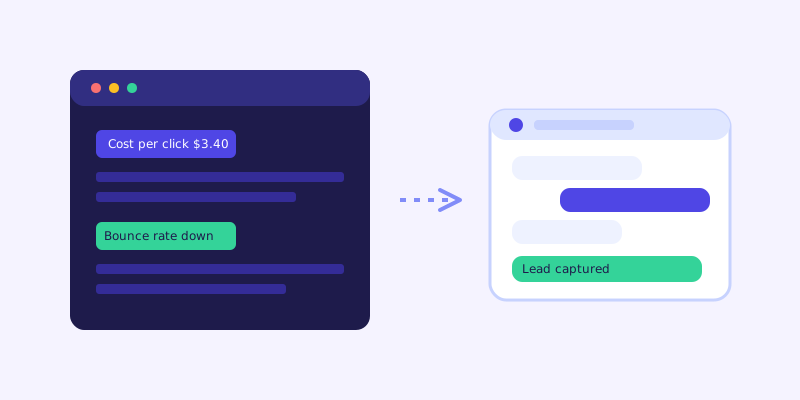
The specific failure mode to avoid: a chatbot that contradicts the ad
This is the mistake that actually costs money. If your ad promises something the landing page content doesn't fully back up, a free trial length, an included feature, a price, a chatbot that crawls that page and answers from it will repeat whatever the page says, not what the ad implied. A mismatch here isn't a chatbot problem, it's a landing page accuracy problem the chatbot just happens to expose immediately instead of quietly. Before adding a chatbot to a paid page, confirm the page itself backs up every specific claim in the ad it's attached to.
Why flat pricing matters more here than elsewhere
Paid traffic volume is lumpy by design, you turn a campaign up for a launch or a seasonal push and it spikes hard for a short window, then drops back down. A chatbot billed per conversation turns your best-performing ad weeks into your most expensive chatbot weeks, which is the opposite of what you want from a tool meant to support, not tax, a successful campaign. Flat per-plan pricing means a traffic spike from a campaign that's working doesn't change what the chatbot costs that month.
A reasonable way to decide
Start with your highest-intent landing page, the one tied to your most expensive keyword or your best-performing ad set, rather than rolling a chatbot out everywhere at once. Check that the page content fully supports every claim in the ad before turning it on. Watch the unanswered-questions log for that specific page in the first two weeks, since paid-traffic questions tend to cluster around the exact gap between what the ad promised and what the page explains. If it's reducing bounces and surfacing qualified questions, extend it to your other paid pages. If visitors mostly ignore it because the page already converts well with a short form, leave it off there and spend the attention elsewhere.
Frequently asked questions
Does adding a chatbot to a landing page hurt my ad quality score?
Not directly. Ad platforms evaluate landing page experience based on relevance, load speed, and mobile usability, not the presence of a chat widget specifically. A well-built widget that loads without slowing the page down shouldn't affect quality score, but a heavy, slow-loading one could, the same as any other added script.
Should every paid landing page get a chatbot?
Not necessarily. Pages built around one short, high-converting form with few visitor questions may not see much benefit. Pages with a higher price point, more nuanced offer, or more comparison shopping tend to benefit more, since visitors there are more likely to have a clarifying question before converting.
What happens if the chatbot's answer doesn't match what the ad promised?
A crawl-based chatbot answers from what's actually written on the page, so a mismatch usually means the landing page itself doesn't fully back up a specific claim in the ad. Fixing the page content closes the gap for both the chatbot and any visitor reading the page without using chat at all.
Will chatbot costs spike when I scale up ad spend during a campaign?
Not with flat per-plan pricing, since the cost isn't tied to conversation volume. A campaign that drives a short-term traffic spike doesn't change what the chatbot costs that month, which matters because paid traffic volume is usually lumpy rather than steady.
Try it yourself
Crawl your landing pages and get answers that match what the ad promised →
Build my chatbotMore articles
 Guides
How to Add an AI Chatbot to Your Website Without Code (2026 Guide)
A step-by-step walkthrough for adding a real AI chatbot to your website in minutes, no flow builder and no code required, plus exact install steps for WordPress, Shopify, Wix, and Squarespace.
Read article → Product & AI
Why Your Website Chatbot Keeps Saying "I'm Not Sure" (And How to Fix It)
Most AI chatbots answer from a snapshot of your site taken whenever they were last trained. Here's why that causes constant "I'm not sure" replies, and what a chatbot that checks live instead actually looks like.
Read article →