How to Write an AI Chatbot Welcome Message People Actually Read
Updated October 22, 2026 · 7 min read
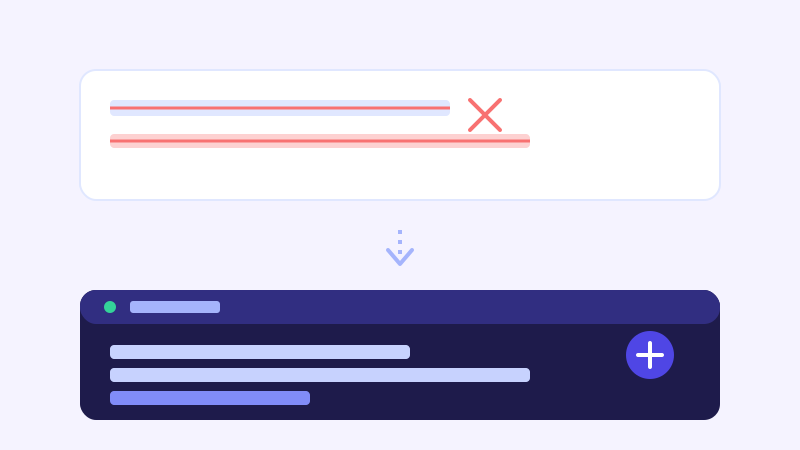
Before a chatbot answers a single real question, it has already made an impression with one line of text: the greeting that pops up in the bubble. Most visitors decide whether to bother typing anything at all based on that one line, not on how good the chatbot's actual answers turn out to be.
"Hi! How can I help you today?" is the default text in a lot of chat widgets, and it's also the line visitors have learned to skip past without reading. That's not because the question is unreasonable, it's because the phrasing gives no sign of what the bot actually knows, so it reads the same whether a real, useful chatbot is behind it or not.
Why the generic greeting gets ignored
Years of chat widgets that forward every message to an inbox and reply hours later have trained visitors to treat that greeting as background noise. It looks the same whether it's attached to a lead-capture form in disguise or a chatbot that actually read the entire site. A generic greeting doesn't give a visitor any reason to believe this one is different, so a lot of them simply close the bubble and keep browsing.
What a greeting needs to do in one sentence
A good welcome message has one job: show the visitor the chatbot already knows something specific about this business, not that it's generically willing to help. Naming two or three concrete things the bot can answer does more work in a single line than any amount of friendly tone, because it gives a visitor an actual reason to type something rather than guessing whether it's worth the effort.
Examples that outperform the generic line
For an ecommerce store, "Hi, how can I help you today?" can become something closer to "Ask me about sizing, shipping times, or where your order is, I've read the whole site." For a service business, "Ask about pricing, availability, or booking a visit, happy to help" tells a visitor exactly what's worth asking before they've typed a single word. In both cases the second version isn't longer or more clever, it's just specific about what the bot can actually cover.
Staying honest about what the bot actually covers
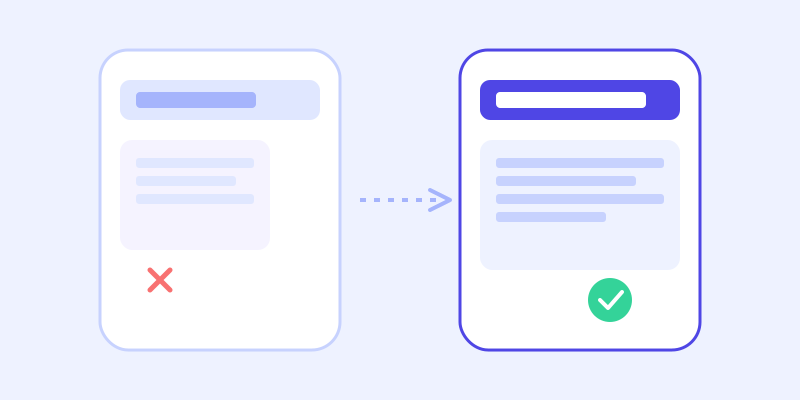
A crawl-based chatbot only knows what's actually on the site, so a greeting shouldn't promise more scope than that. Naming the categories the chatbot is genuinely strong on, pricing, hours, policies, whatever the site actually covers well, sets an expectation the chatbot can meet on the first try, which matters more for trust than an impressive-sounding but vague promise of general help.
When the greeting should appear
A greeting that pops up the instant a page loads reads as pressure, the digital equivalent of a salesperson meeting a visitor at the door. Delaying it by a few seconds, or triggering it based on scroll depth or time on page, gives a visitor a chance to orient themselves first. A closed bubble that a visitor opens on their own terms almost always gets a more genuine first question than one that interrupts them before they've decided they want help.
Using what visitors actually ask to rewrite the greeting
The first message a visitor types after opening the chat is often a kind of test question, something that tells you what they assumed the bot could handle. If a pattern shows up repeatedly in those first messages, a question the greeting doesn't currently hint at but visitors clearly expect the bot to cover, that's a direct signal the greeting should name it. Checking that pattern occasionally is a faster way to improve the greeting than guessing at wording from scratch.
A few that work well out of the gate
A dental practice might use "Ask me about appointment availability, insurance, or what to expect as a new patient." A property manager might use "Ask about unit availability, pet policy, or how to schedule a tour." None of these are clever copywriting, they just name the handful of questions that actually come up most, which is exactly what makes a visitor willing to type the real one.
Frequently asked questions
Should the chatbot greeting pop up automatically or wait for a click?
A short delay or a trigger based on scroll depth or time on page tends to work better than an instant popup on page load, since it gives a visitor a moment to look around before being asked anything, and a visitor who opens the chat on their own terms tends to engage more genuinely.
Does the wording of the welcome message actually change how many visitors start a conversation?
Yes. A greeting that names specific things the chatbot can answer, pricing, hours, availability, whatever fits the business, gives a visitor a concrete reason to type something, while a generic offer of help reads the same as every chat widget they've learned to ignore.
Can I set a different greeting for different pages of my website?
That depends on the tool, but when it's available it's worth using. A greeting on a pricing page can point directly at plan questions, while one on a contact page can point at scheduling or support, since each page already signals what the visitor is likely there for.
Should the greeting admit the chatbot might not know everything?
It doesn't need to say that outright, but it should avoid promising more than the site actually covers. Naming the specific topics the chatbot handles well sets an expectation it can actually meet, which builds more trust than a vague promise of being able to help with anything.
Try it yourself
Try a real conversation with a chatbot built on your own site on ChatCrawl →
Build my chatbotMore articles
 Guides
How to Add an AI Chatbot to Your Website Without Code (2026 Guide)
A step-by-step walkthrough for adding a real AI chatbot to your website in minutes, no flow builder and no code required, plus exact install steps for WordPress, Shopify, Wix, and Squarespace.
Read article → Product & AI
Why Your Website Chatbot Keeps Saying "I'm Not Sure" (And How to Fix It)
Most AI chatbots answer from a snapshot of your site taken whenever they were last trained. Here's why that causes constant "I'm not sure" replies, and what a chatbot that checks live instead actually looks like.
Read article →