When Should Your AI Chatbot Hand Off to a Human? (And How to Set It Up)
Updated August 13, 2026 · 7 min read
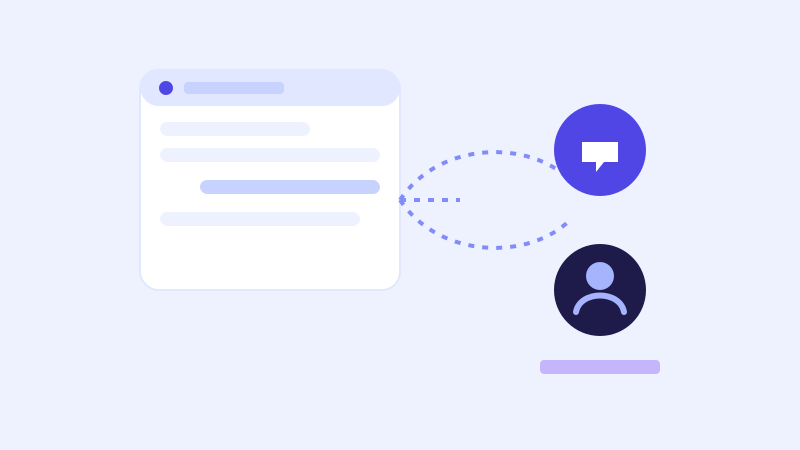
A chatbot's job isn't to handle every conversation that comes through the widget. It's to handle the ones it can actually answer well, and get out of the way cleanly for the ones it can't. The complaint businesses actually hear about a bad chatbot usually isn't that it failed to answer something. It's that it failed silently, leaving a frustrated visitor stuck in a loop with no way out and no sense that a real person is reachable at all.
Handoff is a different problem than "I don't know"
Saying "I'm not sure" and actually handing a conversation to a human are not the same thing, even though they often get treated as interchangeable. A chatbot that honestly admits it doesn't know something, then stops there, has just relocated the dead end rather than removed it. The visitor still has an unanswered question and now also has to go find another way to ask it. A good chatbot treats low confidence as the trigger to offer a next step, not just a place to stop, whether that next step is a live re-check of the relevant page or, if that also comes up empty, an actual path to a person.
The signals that should trigger a handoff
A handful of situations are worth treating as clear handoff triggers rather than something the bot should keep attempting to answer on its own. An explicit request, a visitor typing some version of "can I talk to a person," should never be argued with or deflected. A question the visitor keeps rephrasing, which usually means the bot's last two or three answers missed the point. Low confidence that persists even after a live re-check of the most relevant page, meaning the answer genuinely isn't available anywhere on the site. And sensitive situations, billing disputes, complaints, anything with legal or account-specific stakes, where a generic answer risks making things worse rather than better, even if the bot technically has something plausible to say.
What a good handoff actually looks like
The mechanics matter as much as the decision to hand off at all. A visitor who's already explained their situation to the bot shouldn't have to explain it again from scratch to a human, so the conversation transcript needs to carry over, not just a note that says a handoff happened. The routing should match how the business actually operates: a live chat handoff to a staff member currently online during business hours, or an async handoff, an email or a ticket with the transcript attached, when nobody's watching in real time. And the bot should set an honest expectation rather than a vague one, since telling a visitor "someone will respond by tomorrow morning" is more useful, and more trustworthy, than a generic "we'll be in touch soon" that could mean anything.
Where live-fallback reduces how often a handoff is even needed
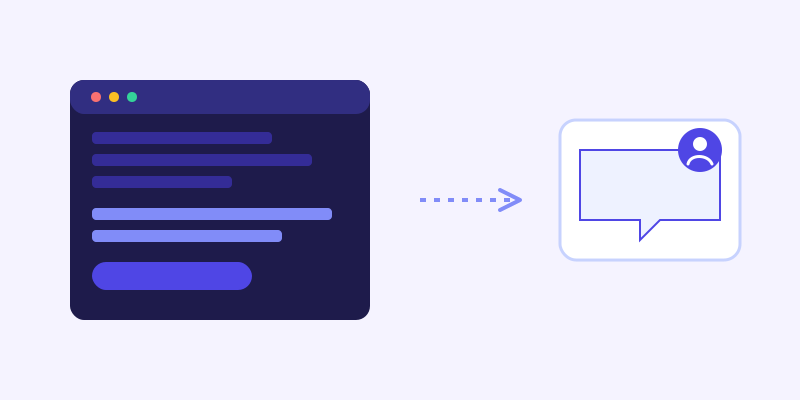
A meaningful share of what would otherwise become a handoff is actually a fixable knowledge gap, not a genuine need for a human. When a chatbot's stored knowledge scores too low to confidently answer, re-fetching the closest matching page live and checking whether the current version resolves the question catches exactly this case: the answer existed on the site the whole time, the crawl just hadn't picked up a recent change. Resolving that in real time means the visitor gets an answer without ever needing a person, and it means the handoffs that do happen are more concentrated on things that genuinely require a human judgment call, which makes the time a business's staff spends on them worth more.
Setting this up without hiring more staff
A working handoff doesn't require someone staffing live chat around the clock. It requires a clear destination for a handed-off conversation, an email inbox, a ticketing system, a notification channel the team already checks, and honesty in the widget about when a live response is realistic versus when the visitor is leaving contact information for a follow-up. A chatbot that's upfront about business hours and response times, rather than implying a person is standing by at 2am when nobody is, avoids setting an expectation it can't meet.
What to check once it's live
The handoff log is worth reviewing for two opposite failure patterns. False positives: the bot handing off questions it actually could have answered, usually a sign its confidence threshold is set too conservatively or that a content gap is masquerading as a hard question. False negatives: visitors who left a conversation frustrated without ever triggering a handoff, which usually means the escape hatch wasn't obvious enough or the bot kept trying to answer past the point where it should have offered a person instead. Both are worth checking regularly, not just once after launch, since what counts as a good handoff threshold tends to shift as a site's content and its visitors' questions change.
The actual balance to aim for
A chatbot that never hands off anything is pretending to be a full replacement for staff, and it produces exactly the kind of frustrated dead end that gives automated support a bad reputation. A chatbot that hands off too eagerly defeats the point of automating the repetitive questions in the first place, dumping ordinary hours and pricing questions on a team that shouldn't need to touch them. The right calibration is a bot confident enough to answer what it actually knows, honest about what it doesn't, and quick to open a real, well-routed path to a person the moment continuing to guess would waste the visitor's time.
Frequently asked questions
How does an AI chatbot know when to hand off to a human?
A well-built chatbot watches for a few clear signals: an explicit request to talk to a person, a question the visitor keeps rephrasing, low confidence that persists even after a live re-check of the relevant page, and sensitive situations like billing disputes or complaints. Any of these should trigger a handoff rather than another automated attempt at an answer.
Does handing off to a human require live chat staff available around the clock?
No. A handoff can be async, routing the conversation transcript to an email inbox or ticketing system a team checks during business hours, as long as the chatbot is honest about response-time expectations rather than implying someone is available immediately when they aren't.
Why is saying "I'm not sure" not the same as a proper handoff?
Admitting uncertainty without offering a next step just relocates the dead end instead of removing it. A proper handoff carries the conversation forward, either through a live re-check that might resolve it automatically or by routing the visitor to an actual person with their context intact, rather than leaving them to start over somewhere else.
How often should a business review its chatbot's handoff behavior?
Regularly, not just once after launch. Reviewing the handoff log for false positives (questions the bot could have answered itself) and false negatives (frustrated visitors who never triggered a handoff) helps recalibrate the threshold as a site's content and the questions visitors ask both continue to change over time.
More articles
 Guides
How to Add an AI Chatbot to Your Website Without Code (2026 Guide)
A step-by-step walkthrough for adding a real AI chatbot to your website in minutes, no flow builder and no code required, plus exact install steps for WordPress, Shopify, Wix, and Squarespace.
Read article → Product & AI
Why Your Website Chatbot Keeps Saying "I'm Not Sure" (And How to Fix It)
Most AI chatbots answer from a snapshot of your site taken whenever they were last trained. Here's why that causes constant "I'm not sure" replies, and what a chatbot that checks live instead actually looks like.
Read article →