Why Your AI Chatbot Can't Read Your PDFs (And What to Put on a Page Instead)
Updated October 19, 2026 · 7 min read
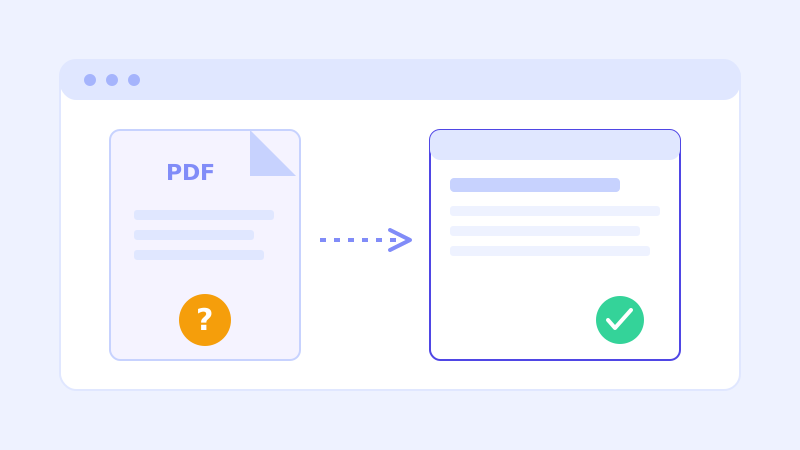
A surprising number of "the chatbot doesn't know this" support questions trace back to the same root cause: the actual answer lives inside a PDF, and the chatbot's knowledge base was built from the website's pages, not its downloads folder. This isn't a bug to report, it's a structural fact about how a crawler reads a site, and once you understand why it happens, the fix usually takes less time than the original question did.
Why a crawler treats a PDF differently than a web page
A web crawler builds a knowledge base by reading the text that's actually present in a page's HTML, the same way a browser renders it. A PDF is a different kind of file entirely, a self-contained document format designed for printing and fixed layout, not for being read as structured, linked web content. Some PDFs do contain extractable text a crawler can pull out, but plenty don't, and even the ones that do sit outside the normal flow of pages a crawler follows from your navigation and sitemap. The practical result is the same either way: a fact that lives only in a PDF is far less reliably available to a chatbot than the identical fact typed directly onto a page.
The specific ways a PDF defeats a crawler
A few patterns show up constantly. A scanned document, like a signed lease, a handwritten menu, or an old brochure run through a scanner, is actually just an image of text, not text at all, so there's nothing for a crawler to extract no matter how well it's linked. A PDF buried several clicks deep in a resources or downloads section, with no page summarizing what's inside it, often doesn't get discovered or prioritized by a crawl at all. And even a clean, text-based PDF that is reachable still asks more of a crawler than a normal page does, parsing a different file format correctly is simply less reliable than reading HTML the browser already renders consistently. None of these are edge cases, they're the normal way most business websites end up burying their own pricing sheets, menus, and policy documents.
Why live-fallback doesn't fully solve this one
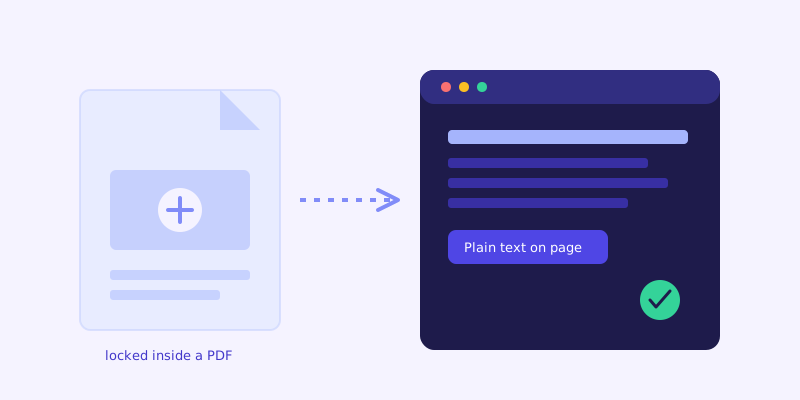
Live-fallback, the feature that re-fetches a page in real time when the stored knowledge base can't confidently answer something, is genuinely useful for content that changed since the last crawl. It doesn't fix the PDF problem the same way, because the issue usually isn't staleness, it's that the content was never reliably extractable in the first place. Re-fetching a scanned PDF live still returns an image with no text in it. Live-fallback closes gaps caused by timing. It can't manufacture text out of a file format that never had readable text to begin with.
The fix: put the facts on a page, keep the PDF as a courtesy download
The reliable fix isn't a smarter crawler, it's moving the actual facts onto a normal page as plain text, and treating the PDF as a secondary, downloadable version for people who want something to print or save. If your pricing lives in a one-page PDF, put the same numbers in a simple table or list directly on your pricing page, and link the PDF below it for anyone who wants a copy. If your menu is a PDF, publish the dish names and prices as text on an actual menu page, not just an image render of the same PDF. This isn't extra content to write, it's the same information you already have, just placed somewhere a crawler (and, just as often, a human skimming on their phone) can actually read it without downloading anything.
A five-minute audit of your own site
Open your site the way a new visitor would and look specifically for the handful of facts people ask a chatbot about most: pricing, hours, policies, what you actually offer. For each one, check whether the answer is sitting in plain text on a page, or whether you'd have to click into a download to find it. Anywhere the answer is a PDF, a scanned image, or a screenshot of a table, that's a gap worth fixing directly, since it's very likely the same gap your chatbot's unanswered-questions log is already quietly recording.
Frequently asked questions
Does ChatCrawl ever read PDFs at all?
It can pick up text from some linked PDFs during a crawl, but reliability depends heavily on the file, whether it contains real extractable text, how deeply it's linked, and how it's structured. It's never as consistent as a normal webpage, which is why important facts are best published directly on a page rather than left only inside a PDF.
What about a scanned PDF, like a signed lease or an old scanned menu?
A scanned document is an image of text, not actual text, so no crawler can extract anything from it no matter how it's linked. If information in a scanned file matters to visitors, it needs to be retyped as plain text somewhere on the site, since there's no version of a crawl that reads an image the way it reads HTML.
I have to keep a PDF for legal or compliance reasons. What should I do?
Keep the PDF as the official document, that's fine, but also publish the key facts a visitor would actually ask about as plain text on a regular page, with a link to the PDF for the full, formal version. The PDF stays the source of record; the page is what makes the information usable by a visitor or a chatbot.
How do I know if my chatbot actually missed something because of a PDF?
Check the chatbot's unanswered or low-confidence questions log for anything related to pricing, policies, or specs, since those are the categories most often trapped in a PDF. If a question keeps coming up that you're confident is answered somewhere on your site, check whether that answer is actually on a page or only inside a downloadable file.
More articles
 Guides
How to Add an AI Chatbot to Your Website Without Code (2026 Guide)
A step-by-step walkthrough for adding a real AI chatbot to your website in minutes, no flow builder and no code required, plus exact install steps for WordPress, Shopify, Wix, and Squarespace.
Read article → Product & AI
Why Your Website Chatbot Keeps Saying "I'm Not Sure" (And How to Fix It)
Most AI chatbots answer from a snapshot of your site taken whenever they were last trained. Here's why that causes constant "I'm not sure" replies, and what a chatbot that checks live instead actually looks like.
Read article →